

KeyGlance reads messy client documents and fills in the return.
Saving your firm hours of work, lowering preparation costs, and creating room to serve more clients. KeyGlance does the data entry itself, on the firm’s own machine. Your preparer checks the work instead of typing it.
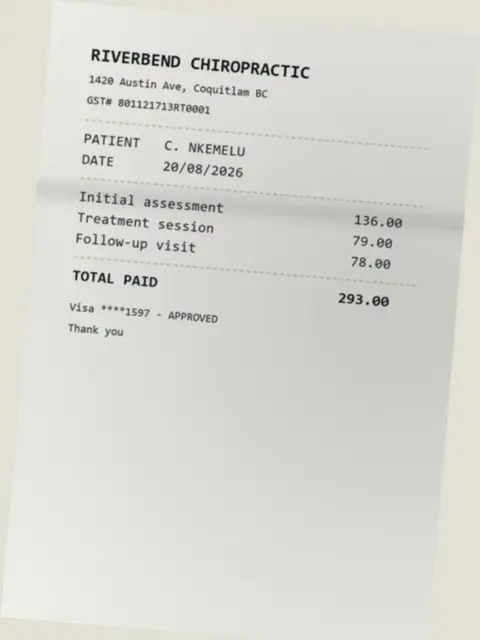
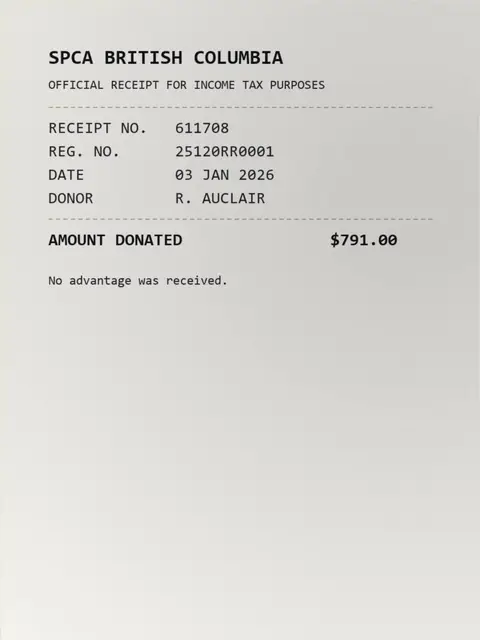
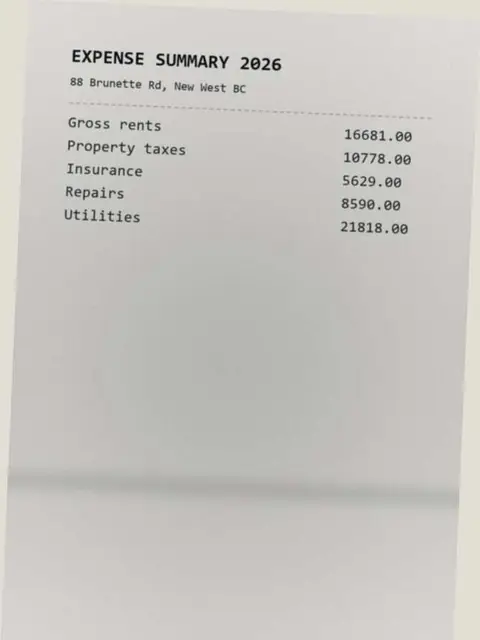
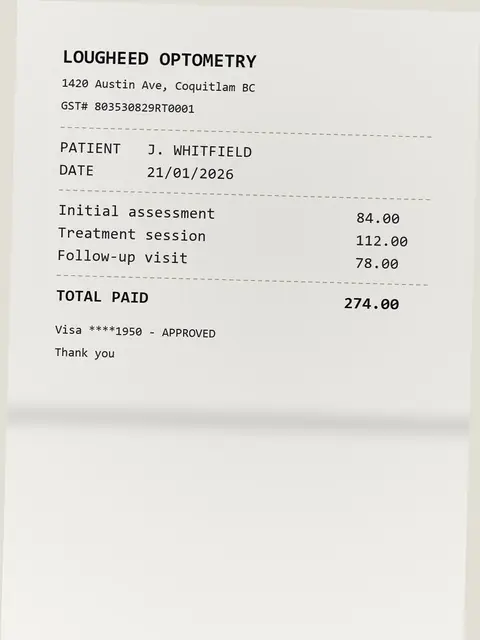
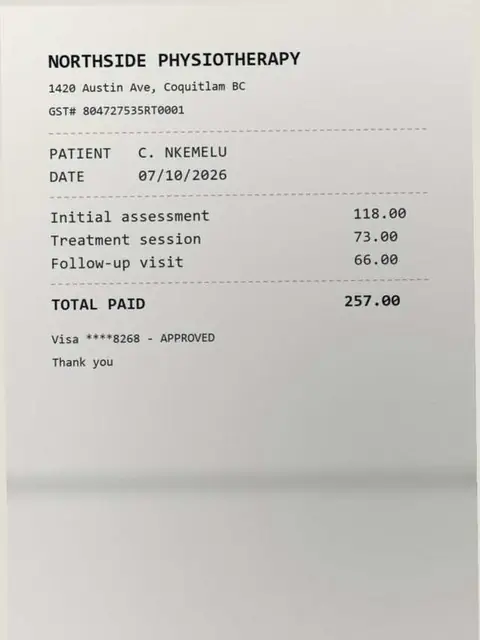
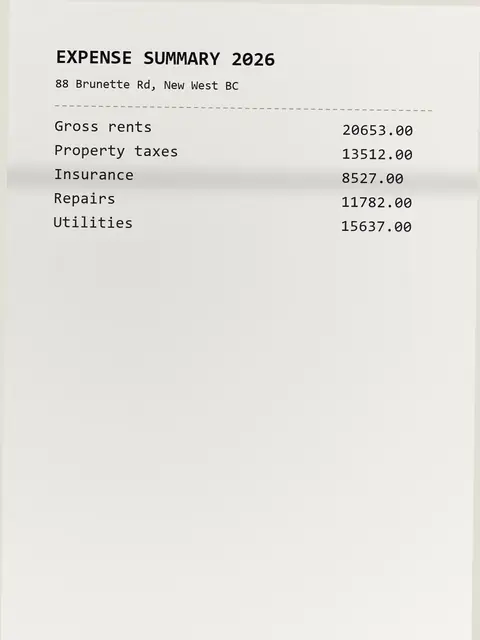
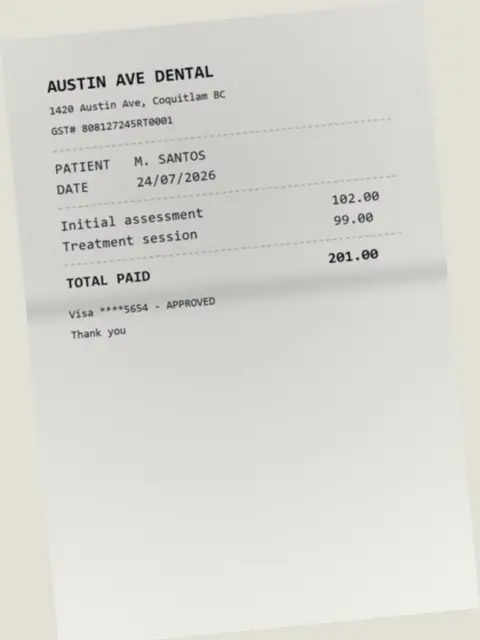
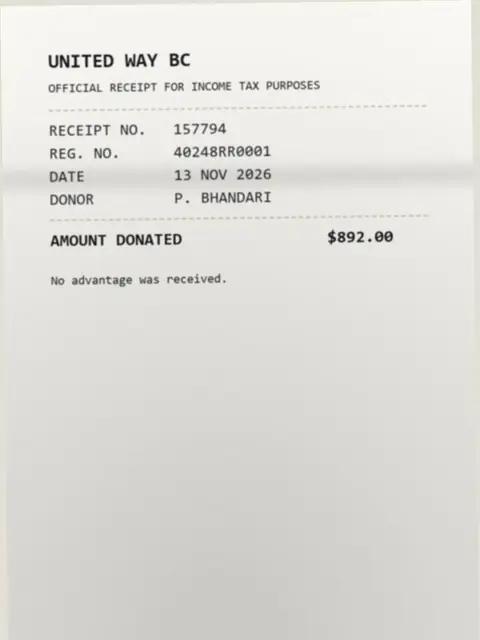
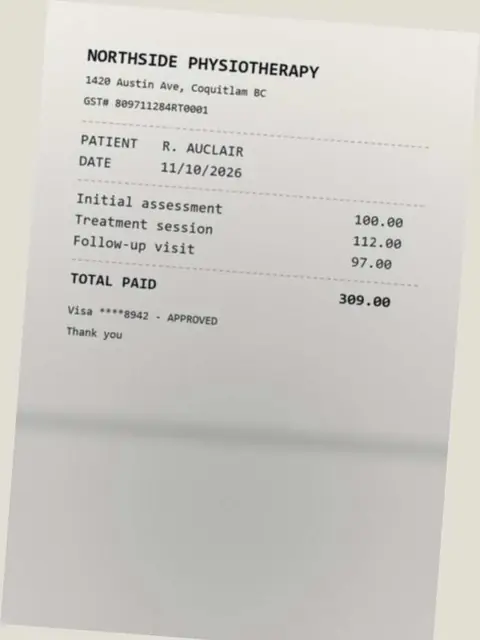
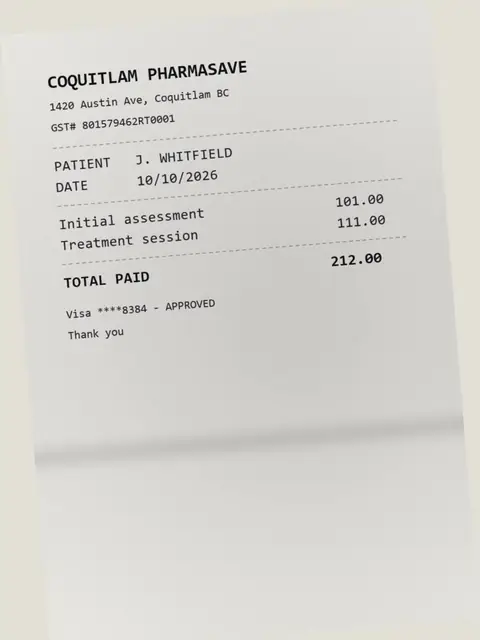
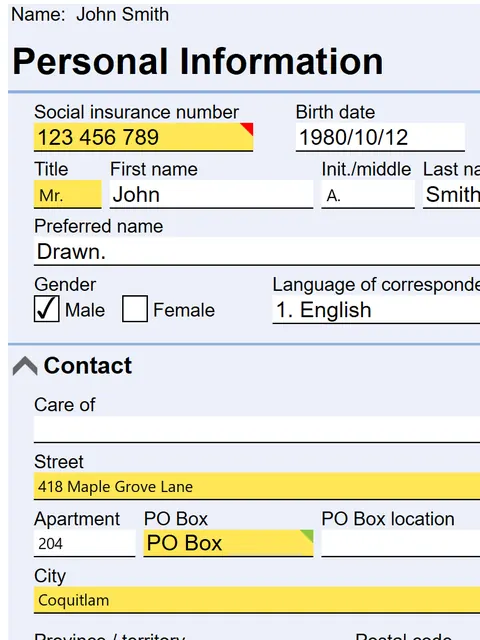
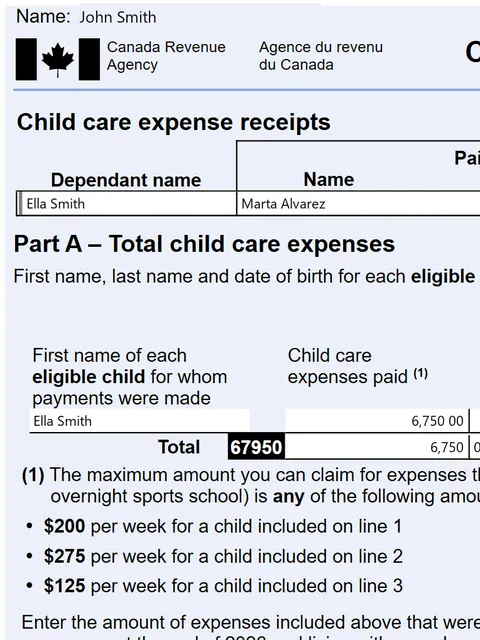
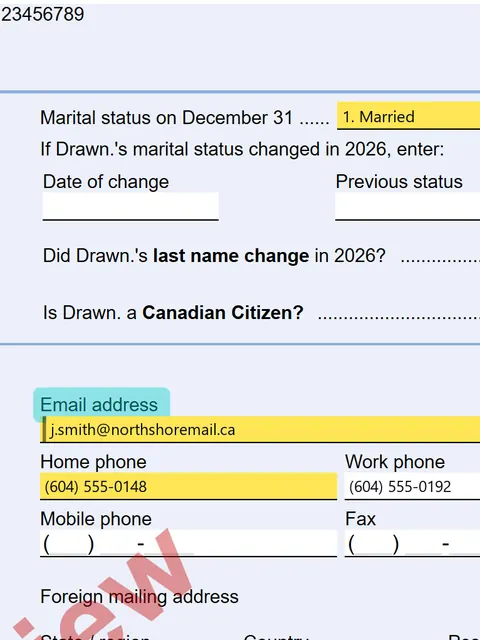
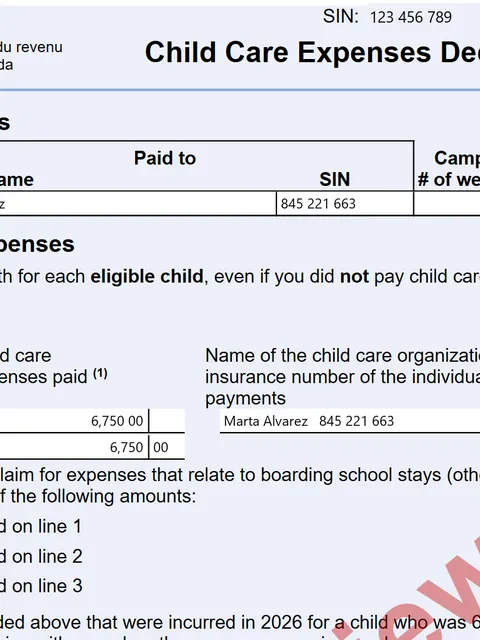
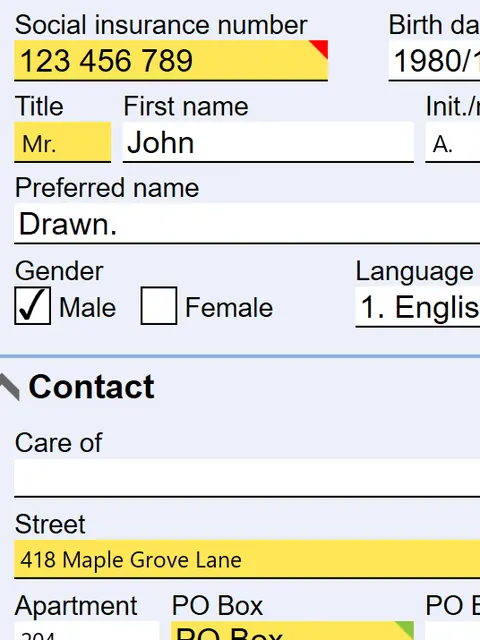
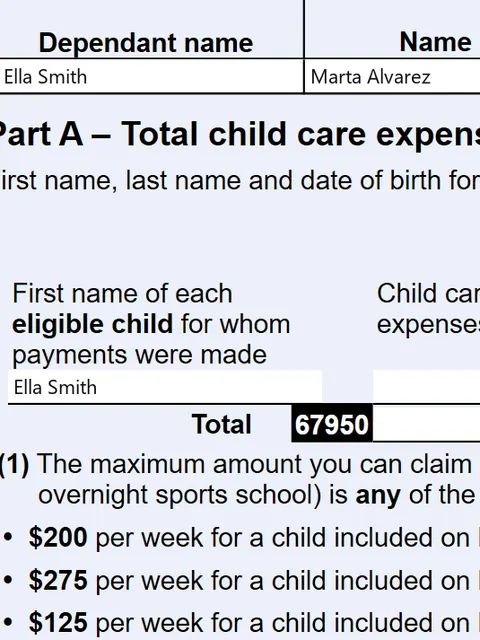
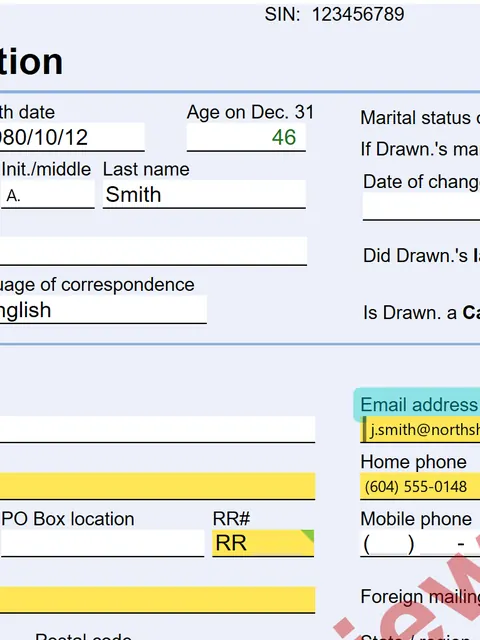
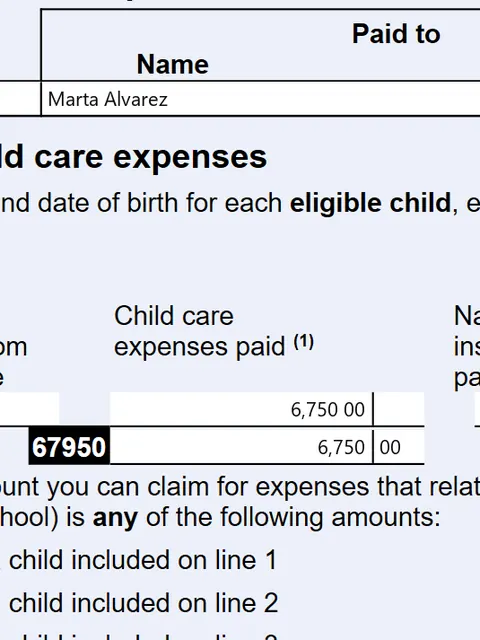
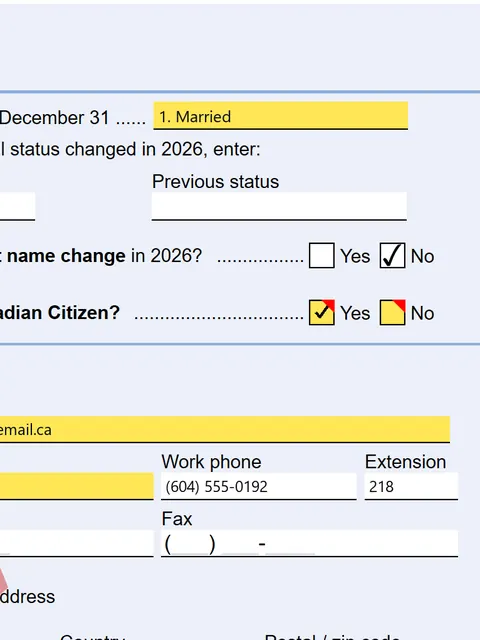
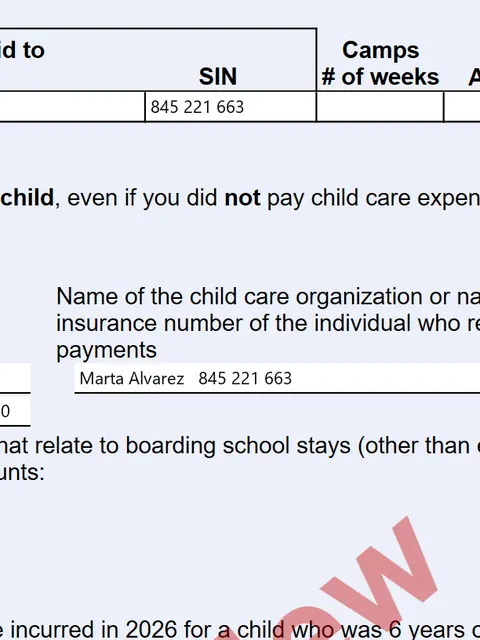
Ten things it does before you type a single number.
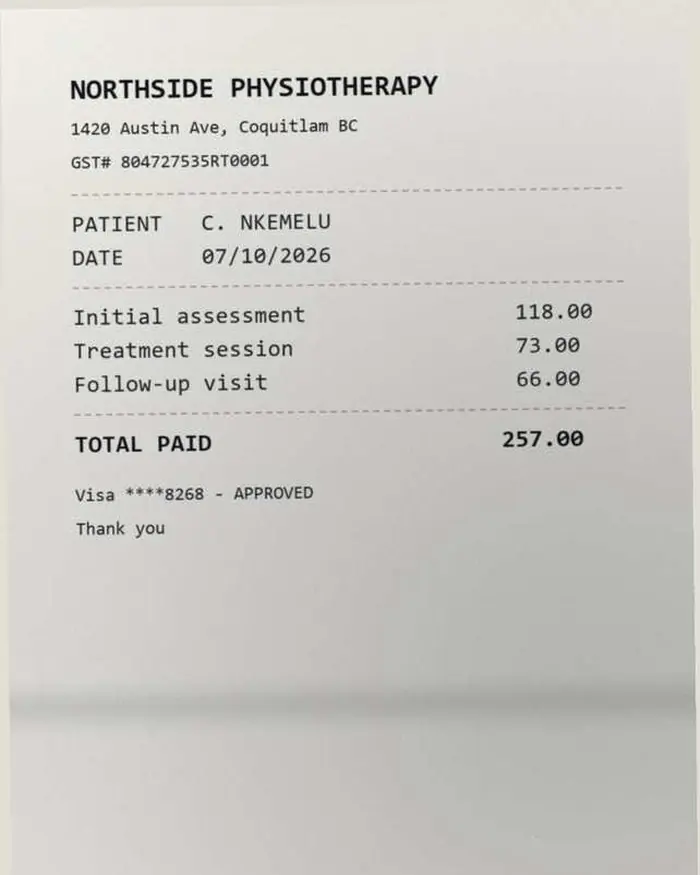
01 One PDF in, nine documents out
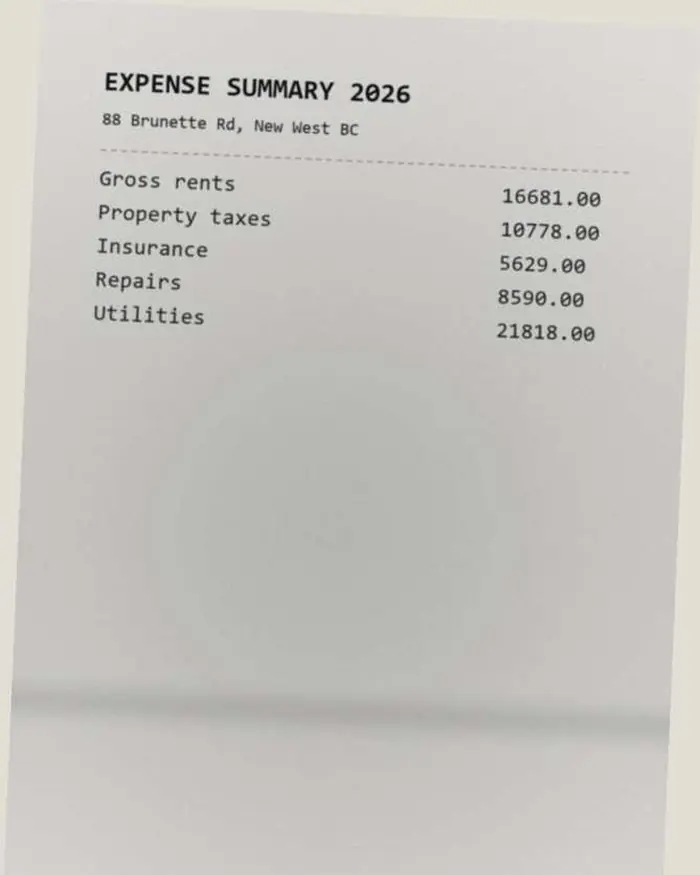
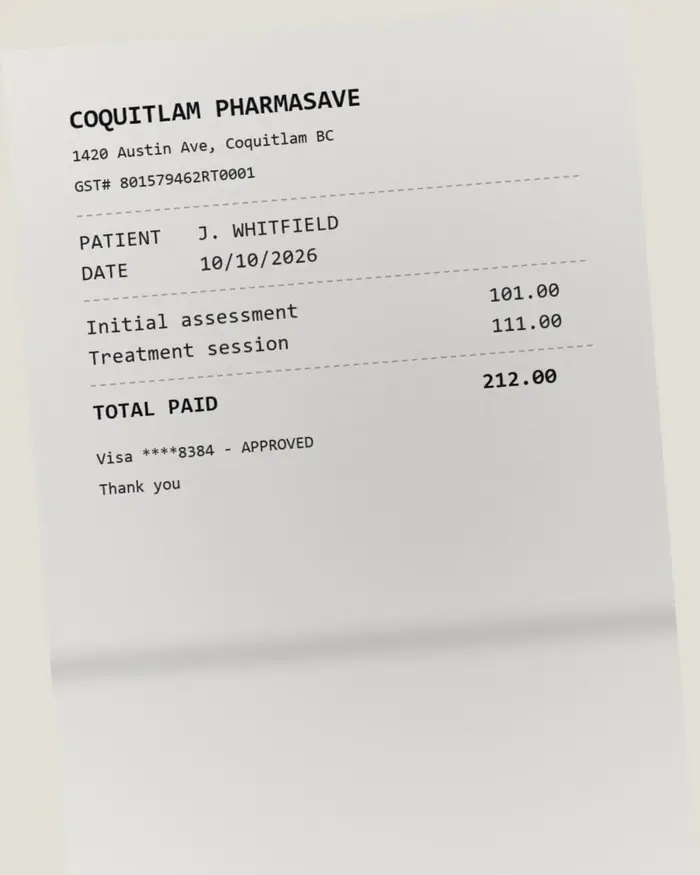
A client sends whatever came out of the scanner. One 21-page envelope in the beta held nine separate documents, and each was read on its own.
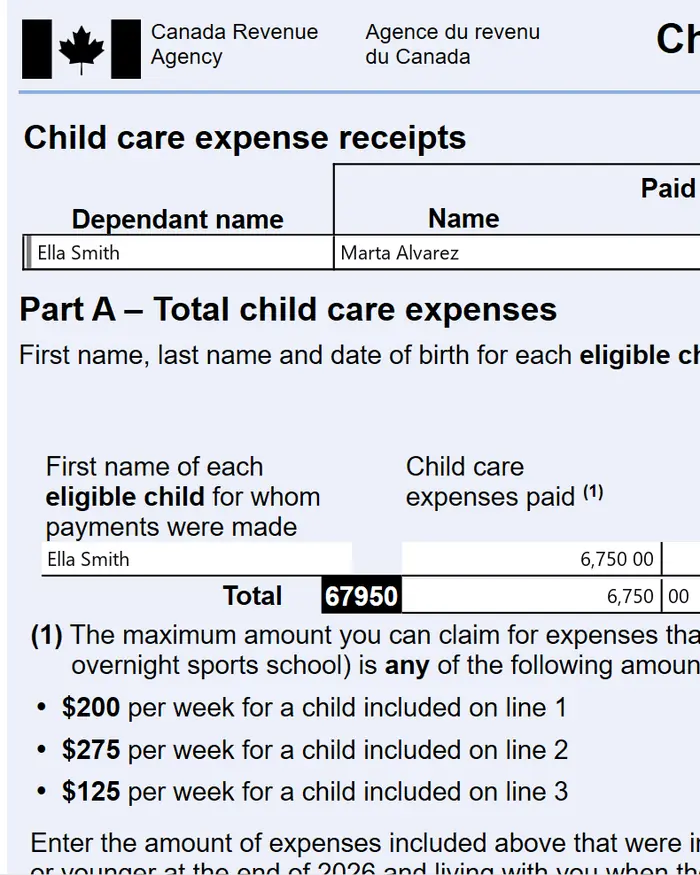
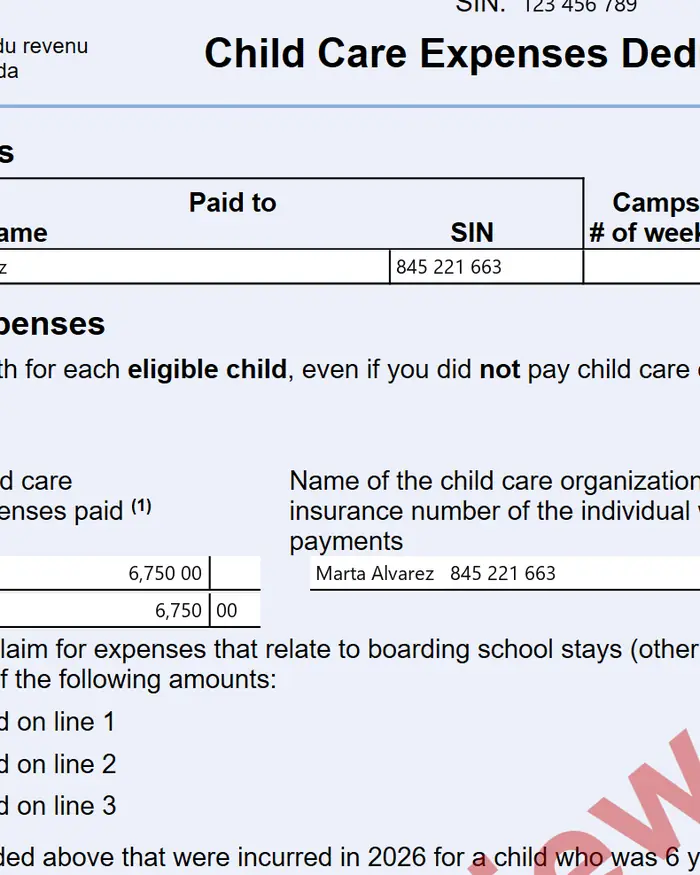
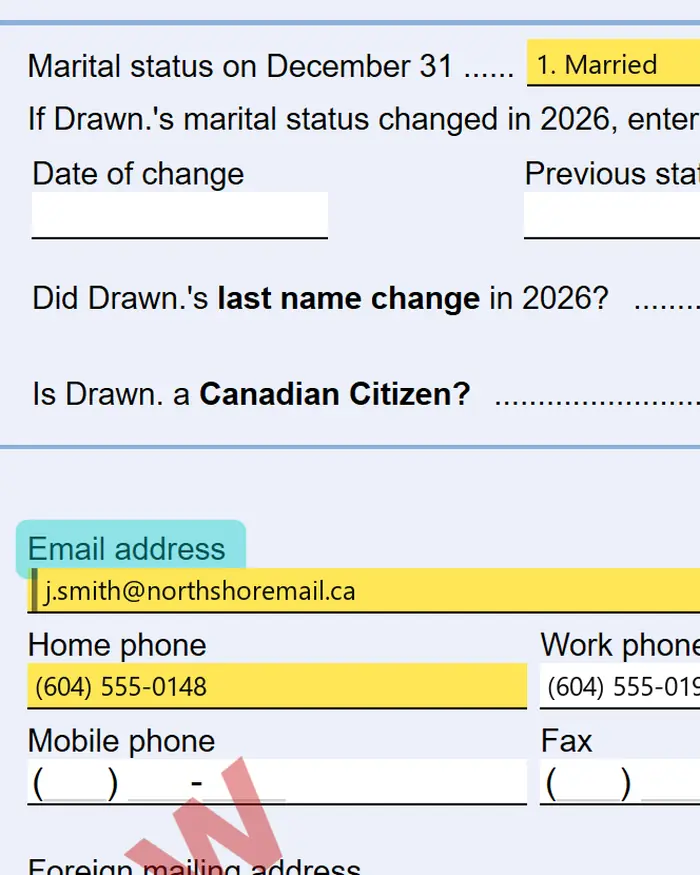
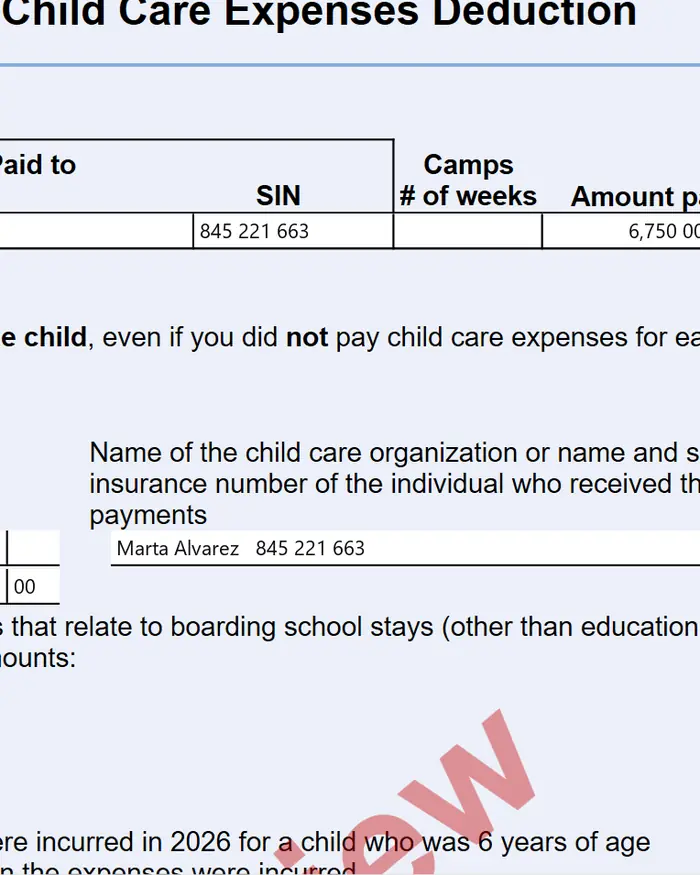
Built for the software you already run
 TaxCycle
 Taxprep Desktop
 ProFile
 Taxprep Cloud
 DT Max
In progress: Cantax
Rollover and Auto-fill handle the slips. KeyGlance handles the paperwork they cannot see, and enters it through the surface your program already offers: TaxCycle’s own Excel import, Taxprep Desktop’s own Import Data, ProFile’s own fields, Taxprep Cloud’s own import in your browser and DT Max’s own keyword entry, with every value read back.
Your software already does half the job
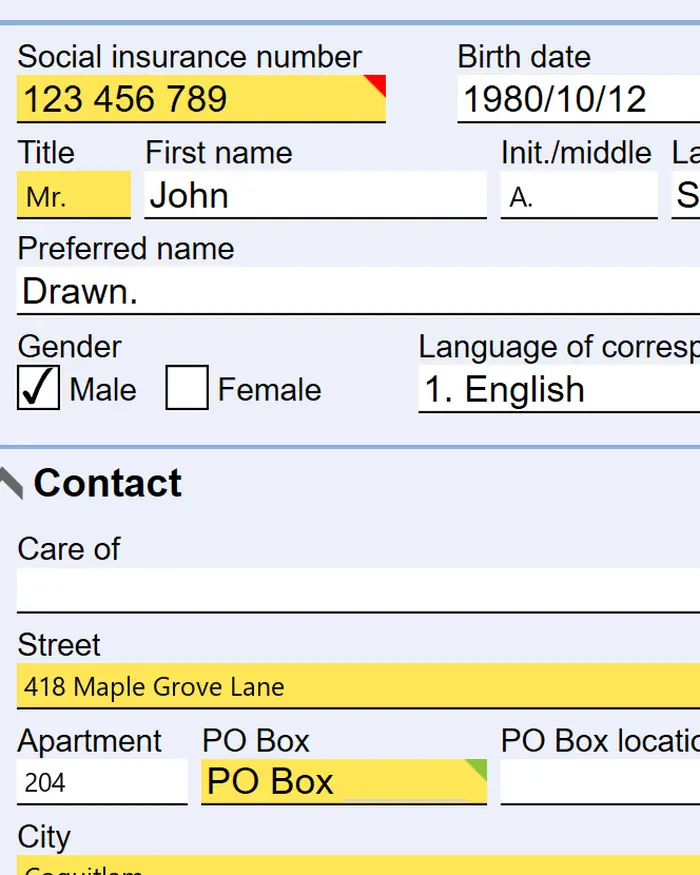
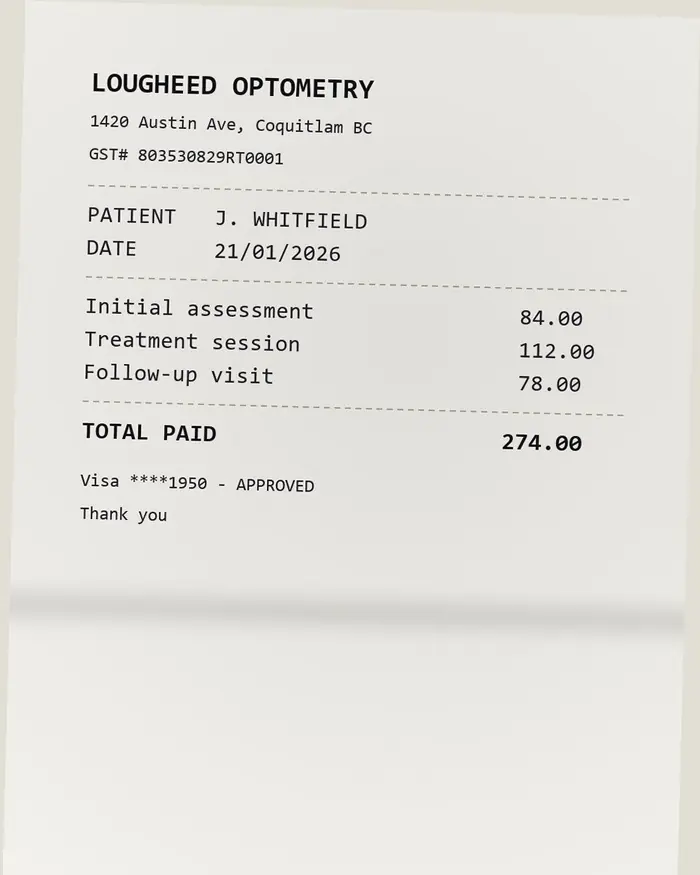
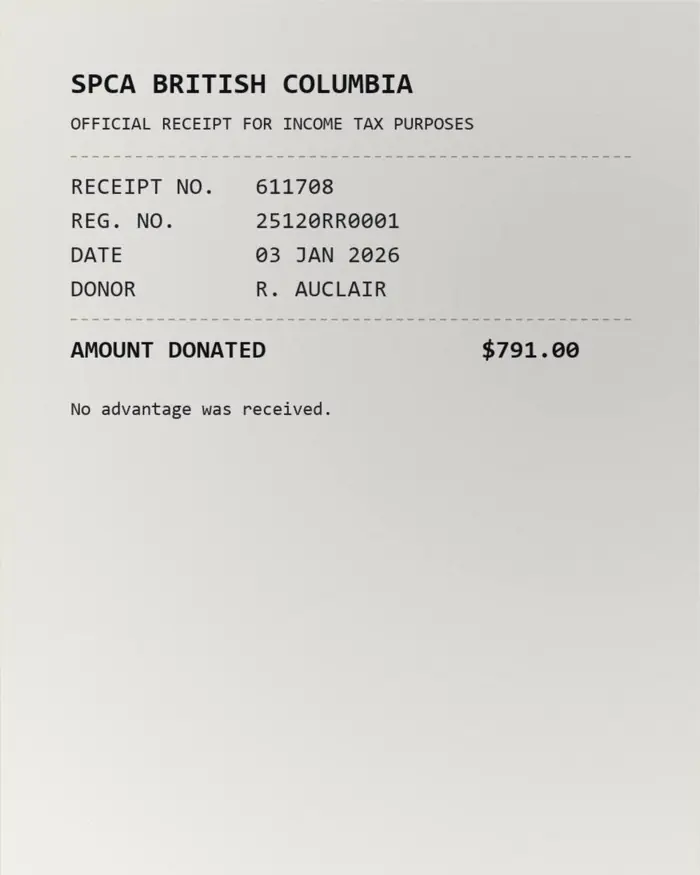
The other half is out-of-pocket medical receipts, T776 rental records, T2125 self-employment logs, paper donation slips
Rollover and Auto-fill
This half arrives filled in. It always did.
Built for the week the paperwork lands
A preparer opens one screen. Everything else in KeyGlance exists to get to it, and on it they see the receipt the client sent, the value read off it, the exact spot it was read from, whatever could not be read
Reads a photograph
Crooked, folded, dim, a thumb over the corner. That is what a client sends, and that is what it is built to read.
Splits an envelope
One PDF out of the scanner becomes one card per document, with the page numbers of the original kept intact.
Points at its source
Select any value and it highlights the exact spot on the page it was read from. Nothing asks to be trusted.
Never files anything
It enters the figures into your tax software, and stops there. There is no code path that submits a return, and there never will be.
Pick a plan, then get to work
The subscription is what gets your firm a portal. Reading returns is billed separately at $40 a return, from returns you buy as you need them, so a quiet month costs you the subscription and nothing else.
Essential
Most firmsFor a firm that wants every client's paperwork read, sorted and entered into its tax software, without anyone retyping a number.
$238 a month if you pay yearly
7 days free when you sign up
5 returns free to read with, worth $200 at list, and no card. Starting the plan here charges today.
- A client's whole return prepared in 5 to 10 minutes
- Receipts, statements and slips read and sorted for you
- Entered straight into your tax software, no retyping
Essential includes:
- Unlimited preparers and clients
- A client's whole envelope split into its separate documents
- Every number traced to the exact spot on the page it came from
- Double-counted receipts caught before they reach the return
- Nothing guessed: an unreadable figure is flagged, never made up
- Your team checks every number before it goes in
Enterprise
High volumeOnly for firms doing 1,000 or more returns a year: multi-location groups and tax networks.
Custom
Pricing is shaped around return volume, locations and rollout.
Built for 1,000+ returns
A standard self-serve plan is not the right fit at this scale. We plan the rollout with your firm directly.
- Multi-location firms and tax networks
- Volume and rollout planned together
- Everything in Essential
Enterprise is for:
- Firms processing 1,000 or more returns a year
- Groups rolling KeyGlance out across multiple offices
- Teams that need a commercial agreement before rollout
Questions
The things firms ask first.
What is KeyGlance?
What happens if it reads a number wrong?
Does it file anything with the CRA?
Do I have to change how I use my tax software?
Which tax software does it work with?
Which paperwork does it actually handle?
Where do my client documents actually go?
What about SINs and personal information?
Am I charged if the extraction is poor?
Is this ready for the 2027 season?
Before January
See it run on your own returns
Create an account and put your own redacted files through it today. Or send us a handful and we’ll time it against doing them by hand.